
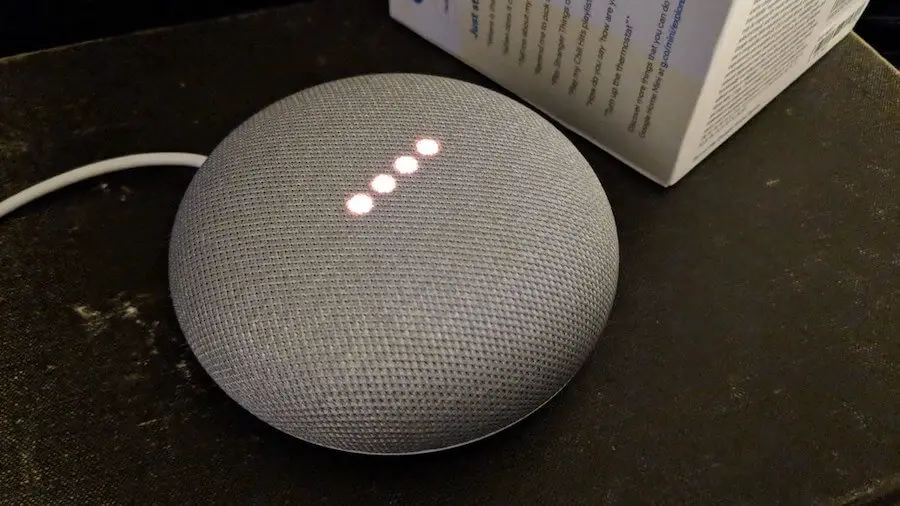

Smart devices such as Google Home or its smaller version – Google Home Mini- have become increasingly popular in almost all households.
With the help of this gadget, you may arrange your daily activities and even listen to podcasts or music.
Because it serves as a speaker, you may want to place it in your bathroom. However, is Google Home Mini water resistant?
It’s time to delve into this article to get the exact answer. Let’s get started!
Table of Contents
Is Google Home Mini Water Resistant?
The short answer is No! Google Home Mini isn’t water resistant. Google recommends that users not use this device if it gets wet to avoid the risks.
If your speaker is accidentally wet, it’s advisable not to use external heat sources like hair dryers to dry it.
That’s because this action will cause damage to your device. Besides, the battery may catch fire when exposed to high heat.
Because this device isn’t water resistant or waterproof, keeping it away from places with high moisture content is a good idea.
It’s worth mentioning that you should take measures to prevent spilling on this speaker and avoid any injuries and accidents.
It would be best if you took the following actions to safeguard your speaker when it gets wet:
- If you plug your device into any power source, unplug it first.
- Use a dry cloth or paper towel to dab it carefully and gently.
- Avoid using a hairdryer and other external heat sources to dry the speaker.
- Don’t leave your Google Home Mini under direct sunlight when it gets wet.
- Avoid using your device immediately when you notice overheating or damage.
- Don’t disassemble your speaker arbitrarily to fix it yourself.
- If the internal components are still wet, don’t use your device until you have a professional fix it.
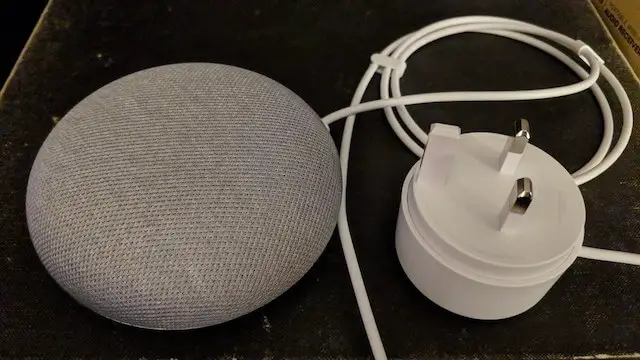
Can You Use Google Home Mini In The Bathroom?
As mentioned above, Google Home Mini isn’t water resistant or waterproof. Therefore, you shouldn’t use it in humid places like bathrooms.
Yet, if you want to use this speaker in your bathroom, you can do it cautiously. You should invest in the type manufactured explicitly for use in humid places.
However, these devices will be much more expensive than the standard types. For instance, while a conventional Google Home Mini costs around $50, a waterproof variant can range from $70 to $90.
Additionally, these water-resistant speakers are generally larger than their standard counterparts.
It’s worth noting that these devices cannot be 100 percent waterproof. In other words, moisture can shorten their shelf life.
For all the reasons above, you should consider the pros and cons before purchasing a water-resistant Google Home Mini for your bathroom.
Why Do You Use Google Home Mini In The Bathroom?
While using Google Home Mini in the bathroom may have some potential issues, why do many people want to do this?
Here are the benefits of placing this speaker in your bathroom. It’s best to select a high-quality waterproof type for better longevity!
Create Your Own Spa
If you love relaxing in a bath after a hard working day, it’s worth using your Google Home Mini to transform the bathroom into your own spa.
Dim the speaker’s lights, play your favorite songs, and sip your best-loved wine while bathing.
The most apparent application of Google Home Mini in your bathroom is for playing music while you shower.
Music in the shower is certainly a pleasant experience, and even a small speaker has enough power to play music during your most leisurely hour of the day.
However, it’s essential to remember that moisture might harm your device, so ensure it’s well-ventilated there.
Moreover, you must be aware that you will place your device in a humid room in your home at your risk.
Get Out Of Bed Faster
This device allows users to set alarms. You can use this function to wake you up when you need it.
You can consider placing your speaker in your bathroom to help you get out of bed faster.
That’s because you can’t turn it off by wiping it when it goes off in your bathroom.
Time Your Children
Your children can learn how to manage time better in the bathroom with Google Home Mini.
For example, you can set the alarm for toothbrush time. This way, your kids will keep doing this daily routine until the speaker notifies them.
Furthermore, you can control the shower time. Kids often spend too much time bathing, which may make them sick.
Create To-Do Lists While You’re Getting Ready
Connecting this device to your to-do list app, you can edit this list without touching your smartphone.
For instance, you can say the command “Hey, Google! Let me speak with (the name of the app)” and create a list while doing other things.
Set Reminders
Assume you take a shower, and an idea comes up in your mind. You can activate your speaker via voice control and note it or set reminders.
With this smart device, you may create a reminder for a time and location.
Check Weather & News
Even in the bathroom, you can check the weather or the day’s news via commands like “Hey, Google! How’s the weather today?” or “Hey, Google! Tell me what’s new!”.
FAQs
Can You Use A Google Home Mini In The Shower?
The short answer is yes. However, it’s not recommended to use electric devices in humid places. If you still want to do this, utilize high-quality waterproof types.
Is It Ok To Put Google Mini In the Bathroom?
Yes! However, you should consider potential risks and ensure your room is well-ventilated.
Can Google Mini Be Used Outdoors?
The good news is yes. With the latest technology, you can use these devices outdoors.
Is Google Mini Worth It?
Yes! This device allows you to do numerous things, like controlling other smart home gadgets via Google Assistant.
Does Google Home Mini Use A Lot Of Electricity?
No! This speaker may consume 1.7 watts/hour when active and around 1.4 watts/hour on standby.
Final Thoughts
Is Google Home Mini water resistant? No! This device isn’t waterproof or water resistant. So, you shouldn’t use it in humid places for electrical safety.
If you decide to place this speaker in your bathroom, ensure this place is well-ventilated and get the model made explicitly for this purpose.
If you want to learn more about the functionality of this speaker, contact us for more information. Thank you for reading!
Further Reading: